
Launching Facebook ads is easy. Paying for them without getting blocked, hit with random fees, or facing technical hiccups? That’s the tricky bit. Especially if you’re a media buyer, marketer, or run an agency. One bad card choice and your ad accounts could go dark in seconds. It’s not the most obvious issue but it’s a critical one.
More and more professionals are now opting for virtual cards. Why? Traditional banks often can’t keep up with Meta’s ever-changing rules. Virtual services, on the other hand, are agile. They offer high limits, can mimic the required country, and adapt fast. The key is knowing which providers are actually reliable.
In this article, we’re ranking the best virtual cards for paying for Facebook ads. No fluff, just the essentials: limits, fees, and support. It’ll help you choose the right service and avoid wasting money (or time) on failed payments.
Why Facebook Ads require a different payment approach
Meta rarely explains why a payment is declined. A card might fail for reasons even your bank’s support team can’t identify.
For example:
Meta might not accept cards from certain BIN ranges
Your card might be from the wrong region
There could be suspicions of traffic arbitrage
Your browser fingerprint could trip their security systems
If you’re using a “regular” card, you’re in the danger zone, even if it’s a debit card with money on it.
With virtual cards, you get more control. You can choose the country, currency, and limits. You can freeze a card in one click. And best of all, there are services built specifically for ad buyers that get how Facebook Ads works.
Below, we’ve listed three services commonly used by arbitrage pros and media agencies. Their cards consistently deliver solid results.
Top virtual card services for Facebook Ads
PSTNET
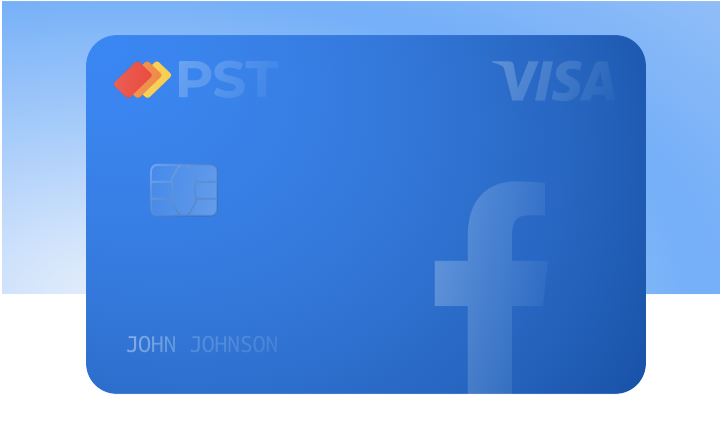
PSTNET was built with media buying in mind. There’s no one-size-fits-all approach here, every card is designed with a specific purpose. The platform offers dedicated virtual cards for ad payments, including three types: cards for specific platforms, universal ad cards, and PST Private cards with 3% cashback.
What makes PSTNET a go-to for media buyers and why some even call them the best virtual cards for Facebook ads, is the cost-effectiveness. There are no fees for transactions, refunds, declined payments or freezes. Plus, there are no limits: no cap on the number of cards, spend amount, or top-ups. Pure freedom. New users can also deposit USDT without any fees.
With the PST Private plan, you get premium perks: up to 100 free card issues per month, 3% top-up fee, and 3% cashback on ad spend. No spend verification needed, just pick the plan that fits.
Key features:
BINs: 25+ BINs from US and European banks to reduce risk of blocked payments
BIN checker: Free tool with access to over 500,000 BINs
Team tools: Set spending limits, assign tasks, and manage roles
Spending analytics: Access detailed financial reports
Top-up options: 18 cryptocurrencies (BTC, USDT TRC20/ERC20 etc.), SWIFT/SEPA, and Visa/Mastercard
Sign-up: Use Apple ID, Google, Telegram, WhatsApp, or email
Support: 24/7 on Telegram, WhatsApp, or live chat
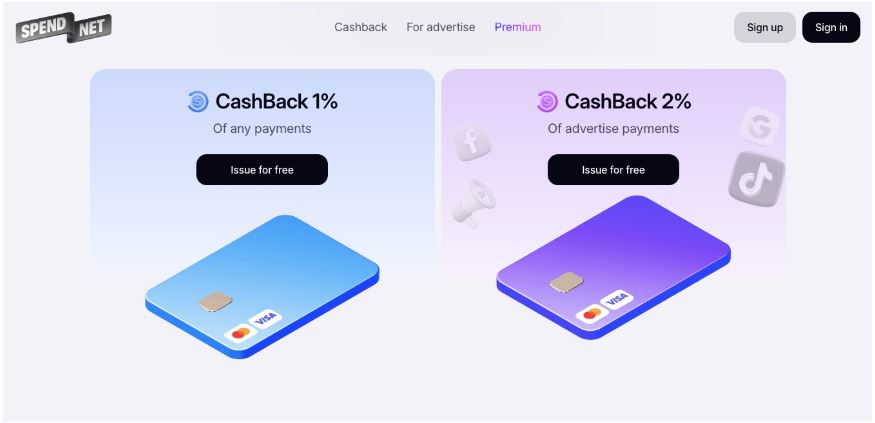
Spend.net is a virtual card platform tailored for media buying. It offers two card types: dedicated ad cards and universal USD cards. All cards are free and work globally, supported by Visa and Mastercard.
What sets Spend.net apart is its automatic 2% cashback on ad spend, applied instantly and visible in your account.
You stay in control: create unlimited cards, assign them to individual campaigns, and track spend in real time. There are no usage limits. Top-up fees are flexible (averaging around 2%). All other transactions, including declined payments, refunds, conversions, or withdrawals, come with zero fees.
Key features:
BINs: 20 BINs, including 6 exclusive ones for better payment success rates
Team tools: Create teams, assign roles, manage workflows
Spending analytics: Export financial reports in CSV or XLS
Top-up options: USDT, BTC
Sign-up: Google account or email
Support: 24/7 via live chat in your dashboard
Spendge
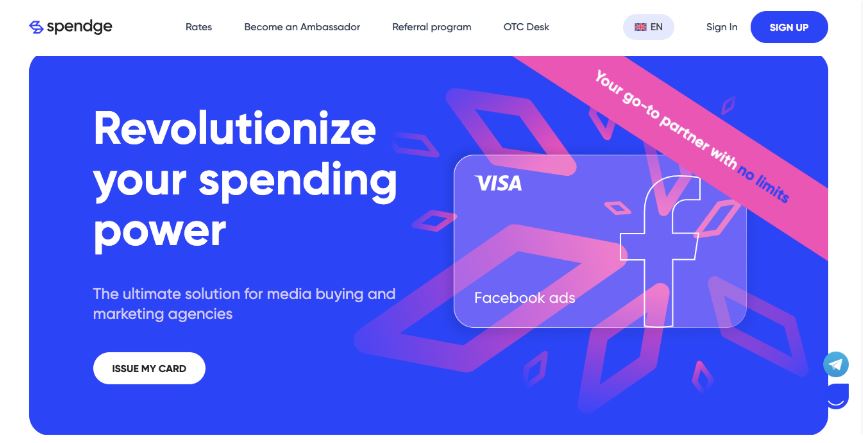
Spendge provides low-cost virtual cards for ad payments. The brand’s mission is to help users maximise ad spend with minimal costs.
All cards run on Visa and are optimised for ad platforms. You can create as many as you like. Internal payments are fee-free, while international transactions incur a 1% + $0.30 fee. Top-up fees go up to 3%, so you can plan your budget ahead.
However, the platform is fairly new, and many key features are still under development.
Key features:
BINs: 10 BINs from US and European banks
Team tools: Create team accounts and distribute cards
Spending analytics: Real-time transaction history in your account
Top-up options: USDT (TRC20/ ERC20), BTC, SWIFT/SEPA, Visa/Mastercard, Capitalist, partner platform transfers
Sign-up: Submit your details and wait for approval — the process is transparent and trackable in real-time
Support: Available via Telegram and website 24/7
Why stability matters more than fees and limits
Many users go for the service with the lowest top-up fee. That’s a mistake. Saving 1% could end up costing your whole campaign.
Here’s a scenario:
You launch a $5,000 lead gen campaign. You pick a card with low fees but weak support. That evening, Meta declines your payment. Support takes 6 hours to reply. Your campaign stalls. You lose a day. No leads. Facebook’s algorithm resets.
Now imagine this:
You paid 1% more, but your card is reliable. Support replies within 10 minutes. The campaign keeps going. You get your leads, maintain optimisation, and protect your account health.
Bottom line?
It’s better to slightly overpay than to risk lost spend and blocked accounts.
How to check if your card works
Before launching a campaign, test the card:
Run a payment in Meta, ideally in a test ad account
Enable two-factor payments if your service offers it
Try a small charge ($1–$5) and check the status in Facebook
Make sure your statement shows MCC 7311 or 7399 — Meta prefers these codes
Check the card BIN on BIN-checker tool — ideally from US, UK, or EU banks
It takes 15 minutes. It’ll save you hours down the line.
What to do if a card gets declined
If Meta blocks a payment:
Switch to a card with a different BIN
Check if Meta requires identity verification
Try adding the card in a different browser or on a different IP
Clear your browser cache
If the ad account is “burnt”, use a new one
Sometimes you’ll need to try 2–3 services before finding the right card – account combo. That’s completely normal.
Final thoughts
The right virtual card is the foundation for stable Facebook Ads performance. Don’t chase the lowest fee. Focus on reliability, limits, and proper support.
Pick a card that fits your budget and traffic needs. Make sure the service has live chat and experience with ad buyers. And always test the card before launching.